War Drone MOD APK For PC (Windows and Mac)
Mobile Gaming Studios Ltd.
- Windows 10 and 11
- macOS
- Keyboard and mouse
- Unlimited money
Your emulator must support ARM translation. The reason is explained below, and it is the one thing that decides whether this works.
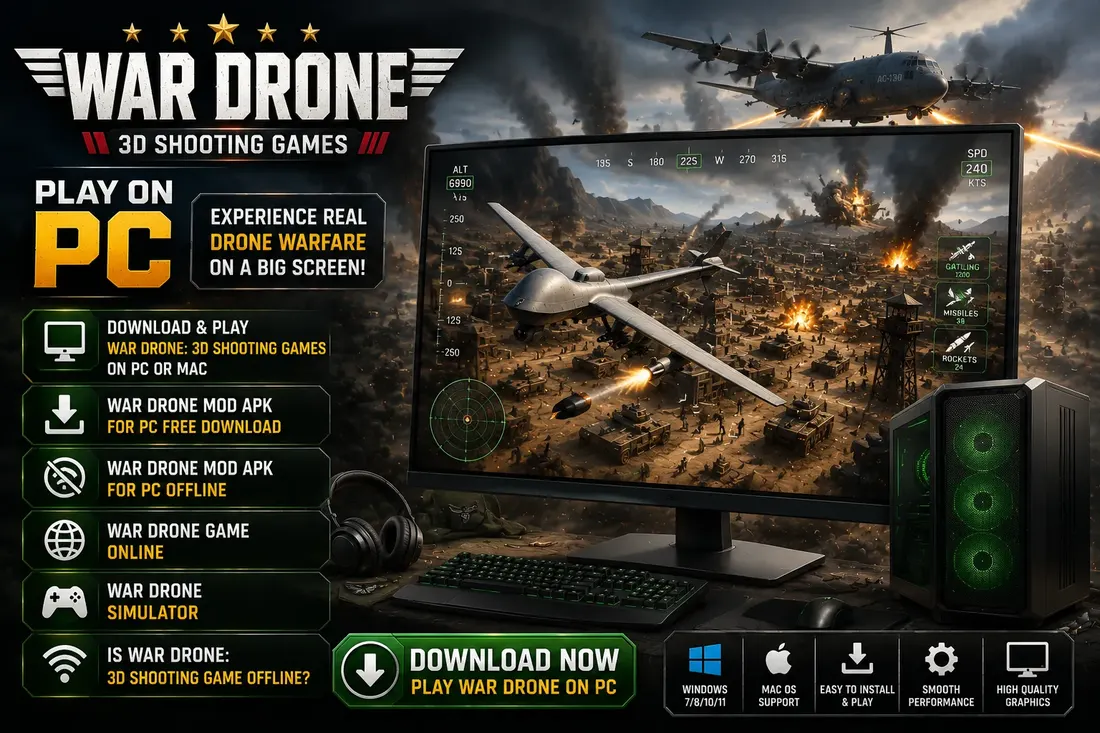
There is no native desktop client for this game, so War Drone MOD APK for PC means running the Android package inside an emulator on Windows or macOS. That works, and a mouse is genuinely better than a thumb for holding a target lock. But one detail decides whether it runs at all on your machine, and it is a detail no other guide mentions. The same file is used as on the war drone mod apk page here, so the mod features are identical.
There is no PC version, and no browser version
War Drone: 3D Shooting Games ships on Android and iOS only. The publisher’s own product page lists the App Store and Google Play and nothing else. Miniclip does run a browser games section, but this title is not in it, so searches for a war drone game online or a war drone simulator playable in a tab will not find an official one.
Anything advertising a direct PC download or an installer executable for this game is not distributing the publisher’s software. The only honest route is an Android emulator, which is a real Android environment running in a window on your desktop.
Why the emulator you pick matters more here than usual
Most Android games ship libraries for both 32 bit and 64 bit ARM, and often for x86 as well. This one does not. The package contains a single architecture set, arm64-v8a, and nothing else.
That matters because the majority of desktop emulators run an x86 or x86_64 Android image, since that maps directly onto an Intel or AMD processor and is fast. An app carrying only ARM libraries cannot execute on such an image unless the emulator provides an ARM translation layer. Without one you get an install that appears to succeed and then a crash on launch, or a Play compatibility refusal.
So the question is not which emulator is fastest. It is which emulator can run ARM code on your processor, and that single answer decides whether War Drone MOD APK for PC works on your machine at all.
| Your machine | What to look for | Expected result |
|---|---|---|
| Windows on Intel or AMD | An emulator with ARM translation enabled, which the current BlueStacks and LDPlayer builds provide | Works, with translation overhead |
| Windows on an ARM processor | A native ARM64 emulator build | Best case, no translation needed |
| Mac with Apple Silicon | An emulator that runs an ARM Android image natively | Runs well, since the chip is already ARM |
| Mac with an Intel processor | ARM translation, same as a Windows PC | Workable but the slowest of the four |
If you are on an Apple Silicon Mac, avoid any emulator that forces an x86 Android image. It has to translate twice, once for the image and once for the ARM only game, and the result is unplayable.
How to install War Drone MOD APK for PC
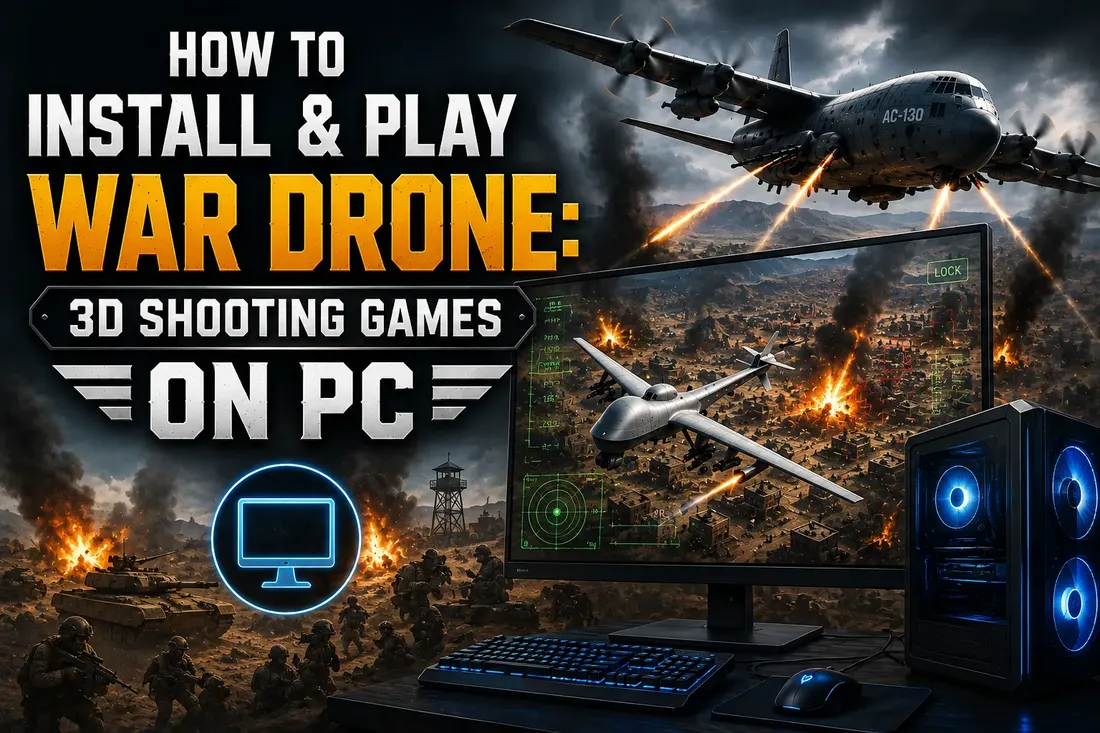
- Install an emulator from its official site, choosing a build that matches the table above. Give it at least 4 GB of memory and 4 CPU cores in its settings.
- Turn on ARM translation in the emulator settings if it is offered as a toggle. On some builds it is labelled as compatibility mode or ARM support.
- Enable hardware virtualisation in your BIOS if the emulator warns that it is off. On Intel this is VT-x, on AMD it is SVM. Skipping this is the difference between smooth play and a slideshow.
- Download the 191 MB package to your desktop using the button on this page, which opens a short download page where the file starts automatically.
- Drag the file onto the emulator window, or use its own APK install option. Do not rename the file.
- Launch the game and let its first run content download finish. It pulls additional assets from the publisher’s servers before the first mission loads.
- Open the emulator’s key mapping tool before you start a mission, and set up the controls described below.
Setting up mouse and keyboard
This game suits a desktop better than most action titles, because the core skill is holding a sensor steady on a moving target rather than fast movement. A mouse does that more precisely than a thumb ever will.
A sensible mapping puts camera slewing on the mouse, firing on the left button, and zoom on the scroll wheel. Weapon switching sits naturally on the number keys, because the interface already presents weapons as a row of icons. Leave the aircraft repositioning controls on the keys nearest your left hand so you can keep moving while firing, which matters in the later missions.
Set mouse sensitivity lower than you would for a shooter. Overshooting a locked target and having to drag back costs more time than a slow, deliberate sweep across a compound.
Getting the frame rate right
The package requests Vulkan as its graphics interface. If your emulator lets you choose between DirectX and Vulkan rendering, try Vulkan first, since that is what the game was built against. If the picture tears or the emulator refuses to start, switch back to DirectX and accept the small loss.
Four cores and 4 GB of memory is a comfortable allocation. Going higher rarely helps, and starving the host operating system makes everything worse. Set the emulator resolution to match your monitor rather than running at a phone resolution and letting it upscale, because the infrared view loses detail quickly when it is stretched, and spotting a warm signature against cold ground is the whole game.
Frame rate ceilings in emulator settings are often set to 60 by default. There is no benefit to raising it here. The camera work is slow and deliberate, and a stable 60 looks better than an unstable 120.
Can you play it offline on PC?
No. The game needs a live connection on a desktop for exactly the same reason it does on a phone. It requests content from the publisher’s servers on first launch and continues to talk to them during play. Running it inside an emulator changes nothing about that, because the emulator simply passes your computer’s connection through to the Android environment inside it.
Searches for war drone mod apk for pc offline are looking for something that does not exist in any version, official or modified. If you need something to play without a connection, this is not the title.
What you give up by playing on a desktop
- Server side checks still apply. Running through an emulator does not hide a modified build from the publisher’s validation, and account linked features remain the first thing to misbehave.
- Gyro aiming is gone. The mobile build supports tilt aiming for fine adjustments. A mouse is more precise overall, but the gyro option simply is not there.
- Haptics are gone. The package includes a haptics library, and firing feedback is part of how the game communicates hits. Desktops do not reproduce it.
- Another layer to blame. When something breaks you now have the game, the mod and the emulator to work through, rather than just the first two.
- Battery and thermals move to your PC. Emulators are demanding. On a laptop expect the fans to run hard.
When it does not work
It installs, then closes immediately
This is the ARM problem described above, and it is by far the most common failure on a desktop. Your emulator is running an x86 Android image with no translation layer. Switch on ARM support in its settings, or move to an emulator build that has it.
The emulator says the app is not compatible
Same root cause, caught earlier. The emulator has read the package, seen only arm64-v8a libraries, and refused before installing rather than after.
Everything runs at a few frames per second
Hardware virtualisation is almost certainly disabled in your BIOS. The emulator usually shows a warning about this on startup that is easy to dismiss without reading.
The first run download never finishes
Check whether a firewall or VPN on your computer is blocking the emulator’s traffic. The Android environment inherits your machine’s network conditions, including anything filtering them.
Frequently asked questions
Can you download and play War Drone: 3D Shooting Games on PC?
Yes, through an Android emulator on Windows or macOS. There is no native desktop client and no browser version. You install the emulator first, then install the Android package into it, exactly as you would install an app on a phone.
Can you play War Drone: 3D Shooting Games on PC or Mac?
Both, with a caveat that decides your experience. The package contains only arm64-v8a libraries, so your emulator needs ARM translation. Apple Silicon Macs handle this most easily because the processor is already ARM. Intel Macs are the slowest of the common setups.
Is War Drone MOD APK for PC free to download?
Yes. The package on this page is free, and the mainstream Android emulators have free tiers that are sufficient for a single game. You do not need a paid emulator licence to run it.
Is War Drone: 3D Shooting Games offline on PC?
No. It requires an internet connection on desktop just as it does on mobile. The game downloads content from the publisher’s servers on first launch and keeps communicating with them afterwards. An emulator passes your computer’s connection straight through, so it changes nothing.
Is there a War Drone game online in a browser?
Not an official one. The publisher’s own page for the game links only to Google Play and the App Store, and the title does not appear in its browser games section. Any site claiming to run it in a tab is not distributing the publisher’s software.
Is there a War Drone simulator for desktop?
Not as a separate product. The game itself is the simulator, combining a drone sensor view with AC-130 gunship weapons, and running it on a desktop through an emulator is the only way to get that experience on a large screen with a mouse.
Which emulator works best for this game?
The one that can run ARM code on your processor. On Windows with an Intel or AMD chip, use a current BlueStacks or LDPlayer build with ARM translation enabled. On Apple Silicon, choose an emulator that runs an ARM Android image natively rather than forcing an x86 one.
Before you set it up
Check your processor first, because that decides which emulator you need. Turn on virtualisation in the BIOS, allocate 4 cores and 4 GB, enable ARM translation, then install the package and let the first run download complete on a connection you control. Map the camera to your mouse and drop the sensitivity. For the full feature list and the specifications read out of the package itself, the main War Drone MOD APK page covers both.
All logo images and media related to WarDronesAPK are the property of their respective brand and are displayed solely for educational purposes. WarDronesAPK complies with 17 U.S.C. § 512 and the Digital Millennium Copyright Act (DMCA). If you believe any content infringes your copyright, please contact us, and we will promptly remove it.